Create a Fashion Lookbook
This guide shows you how to create a fashion lookbook in one conversation with Agent: the same model wears every outfit, in the same room and light. You make the first look, then create every other look from it. The examples come from our fashion lookbook page.
Set Agent to 2:3, 2K, Quality in Generation settings before you start.
What you need
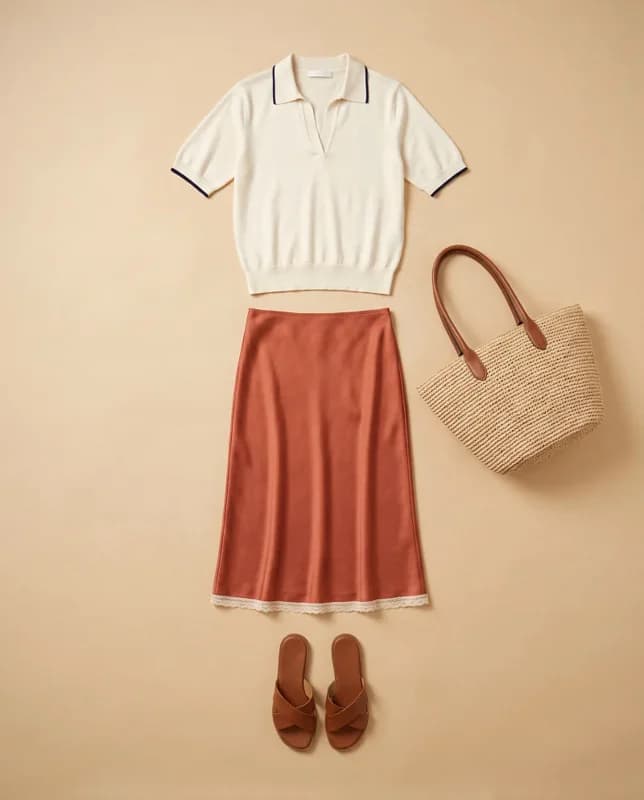
- A photo of each outfit. A flat lay, ghost mannequin, or hanger photo works. Put all the pieces of one outfit in one photo. Read How to Photograph Clothes for AI for the best results.
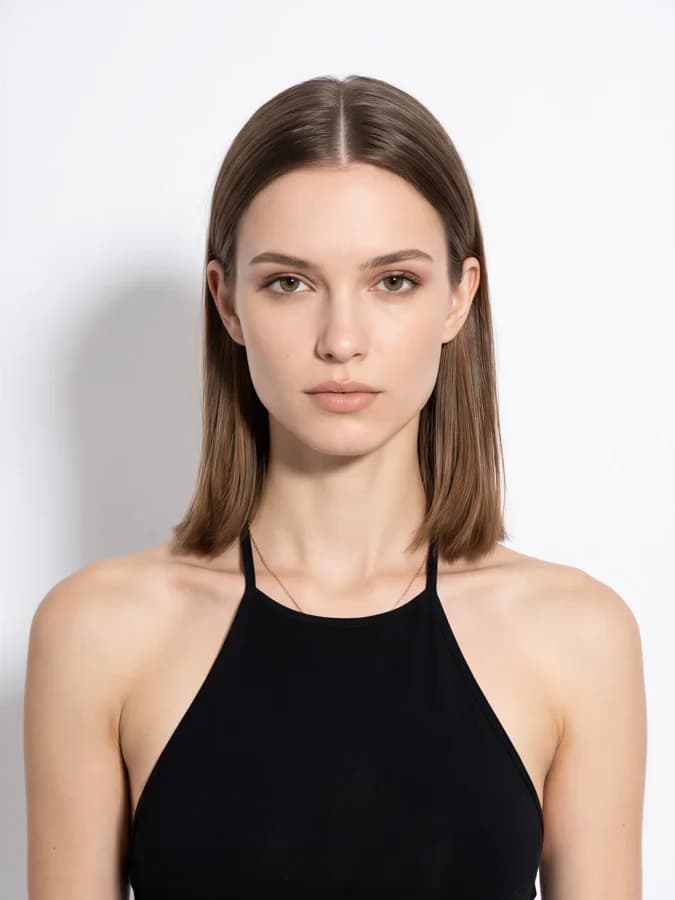
- A model. Pick a portrait from Elements, or use your own face reference.
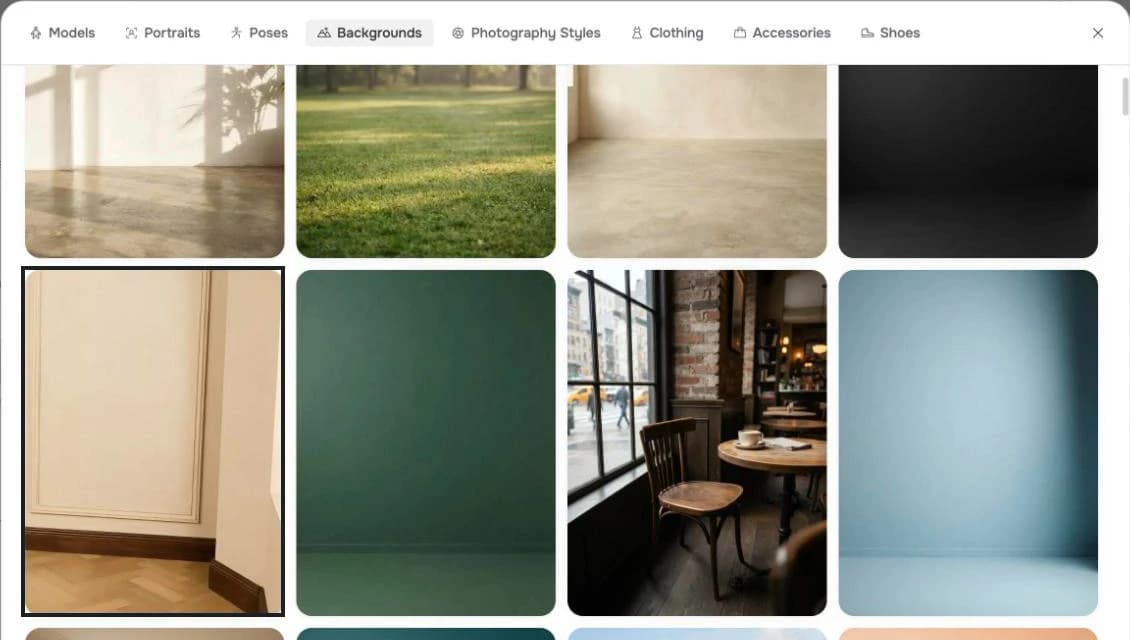
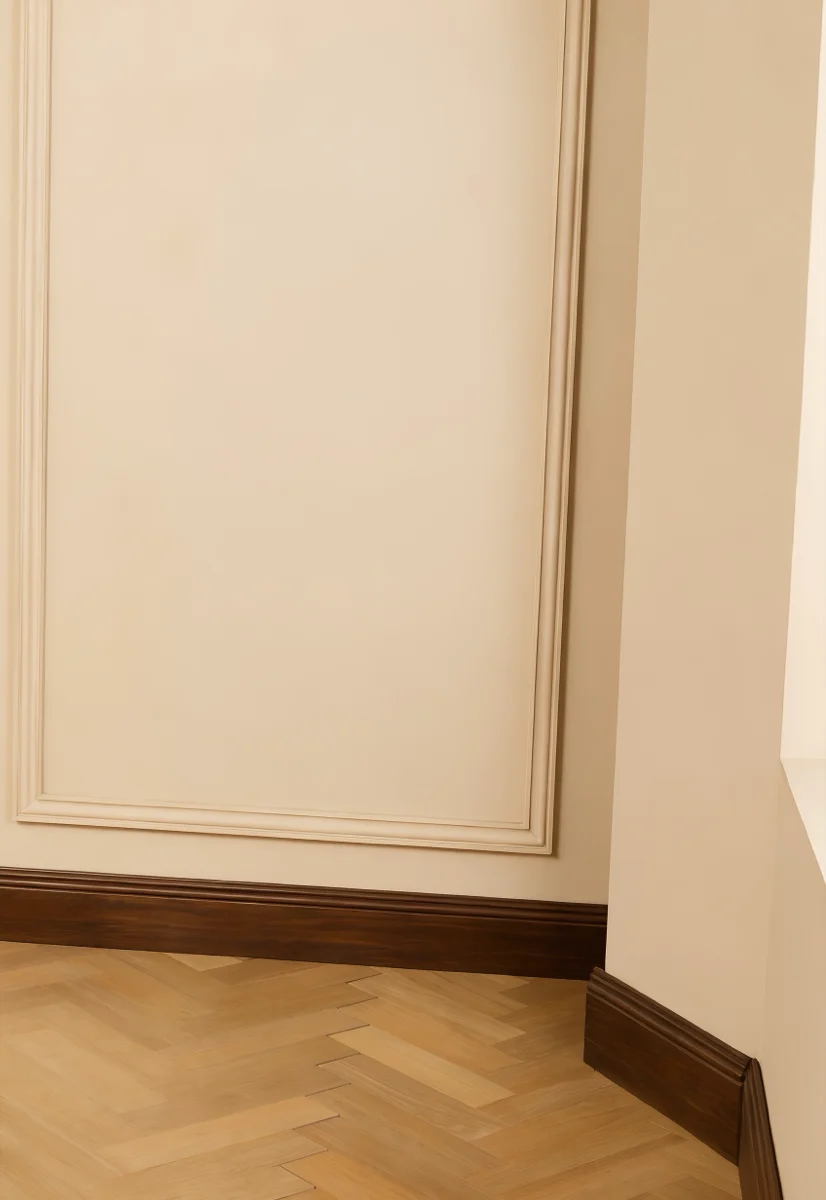
- A room. Pick a background from Elements. In Agent, click the arrow next to Add images, then Browse Elements, then Backgrounds.
- Poses (optional). The Poses tab in Elements has poses you can attach to direct each look.
Make the first look
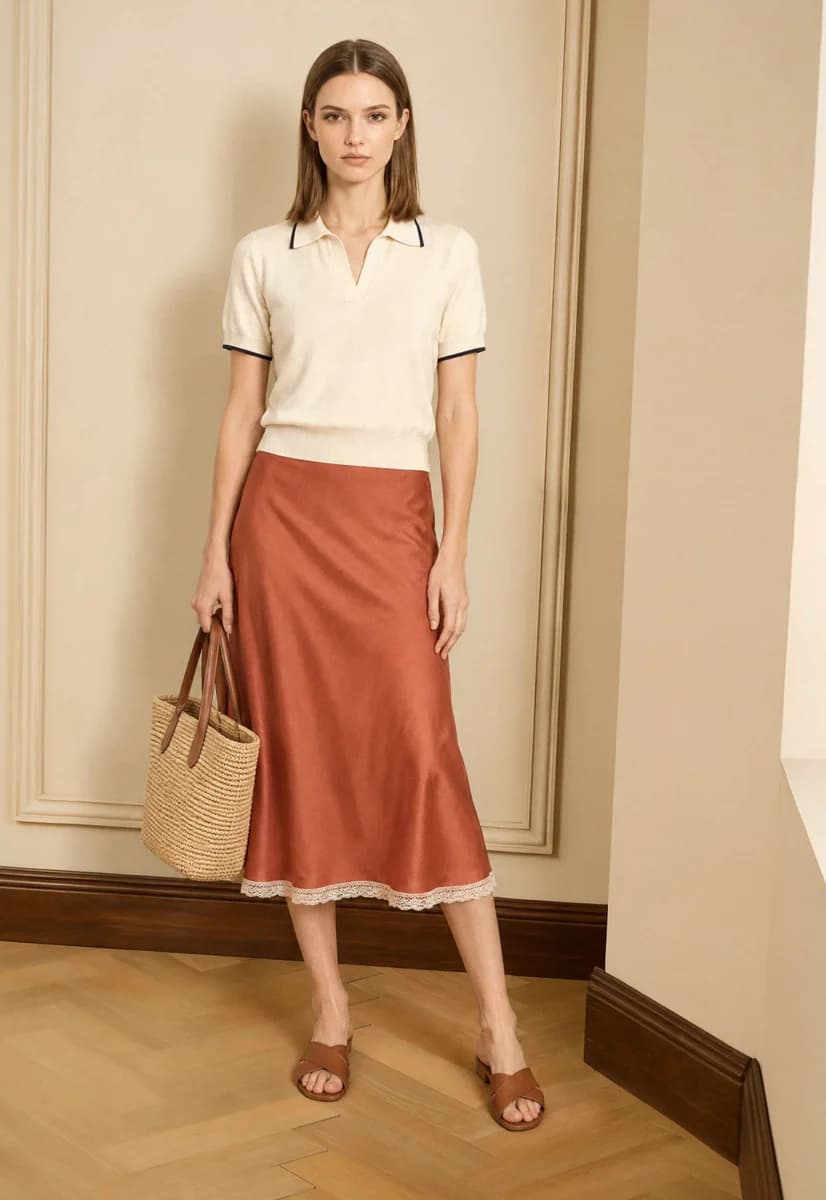
Start front-facing, with the full body in frame. This look sets her face, the room, the light, and the framing for the whole lookbook.
Attach the portrait, the first outfit, and the background.
New conversation
Full-length lookbook photo of her wearing this outfit in this room. Front-facing, relaxed stance, holding the tote at her side, camera at hip height, full body from head to shoes.
Create every other look from the first one
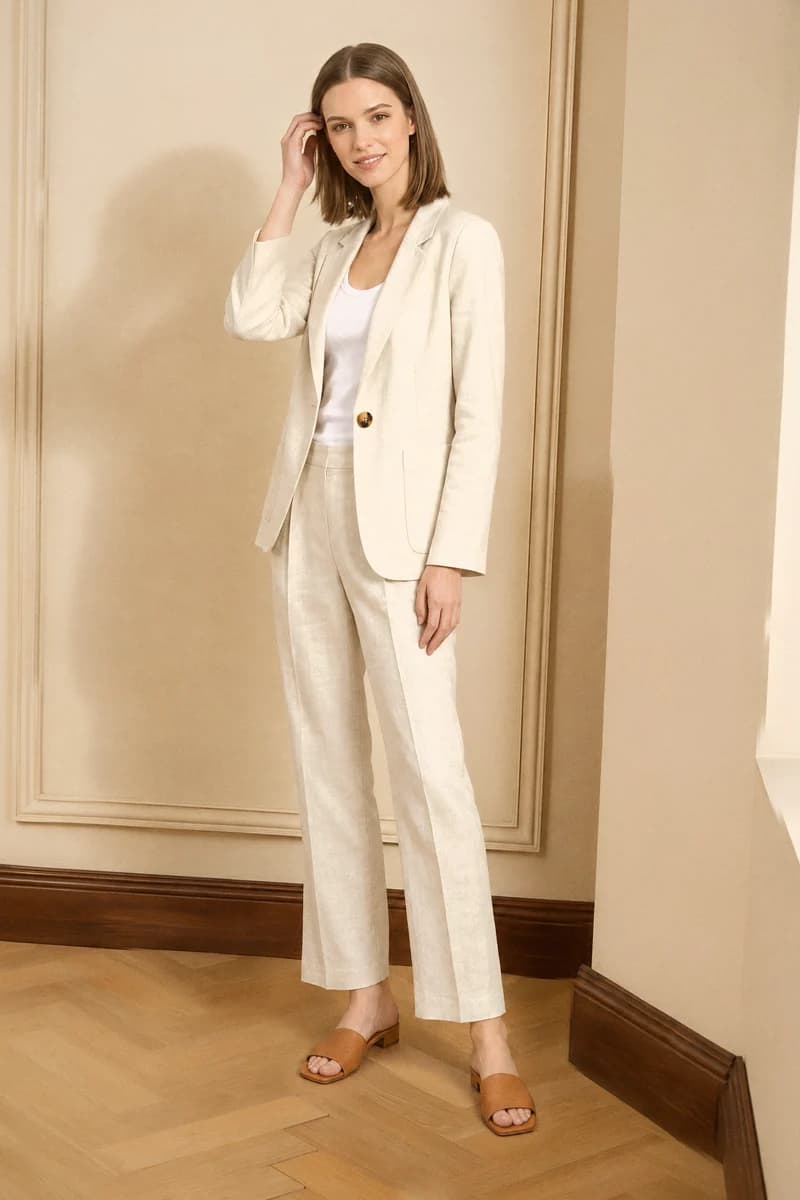
Make each new look as an edit of look 1, so the room, light, and framing stay the same. Under look 1, click Reference. This adds @generation1 to your message. Then attach the next outfit and a pose.
Use the same message for every look. Only the outfit and the pose change.
@generation1 Change only her outfit to the pieces in the product photo and her pose to the pose reference. Give her a different head angle and expression. Keep her face, hair, the room, light and framing the same.
 Outfit
 Pose
Pose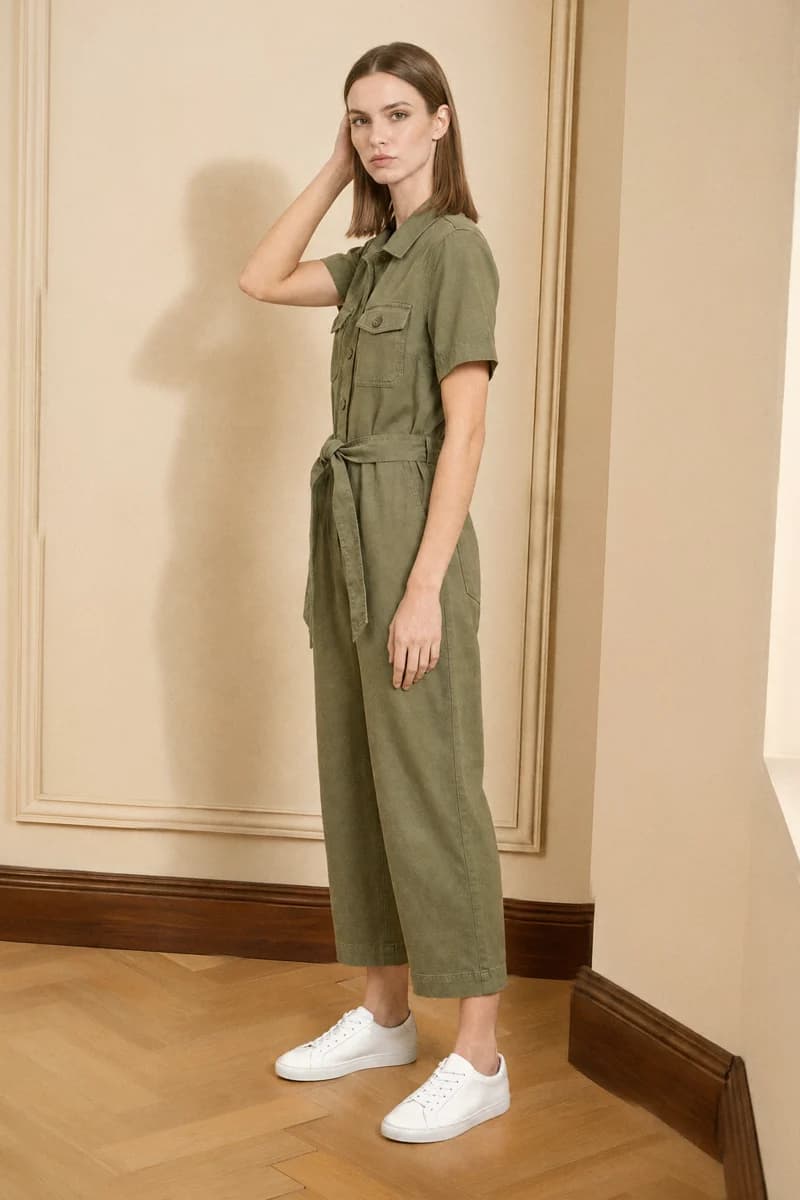
 Outfit
 Pose
Pose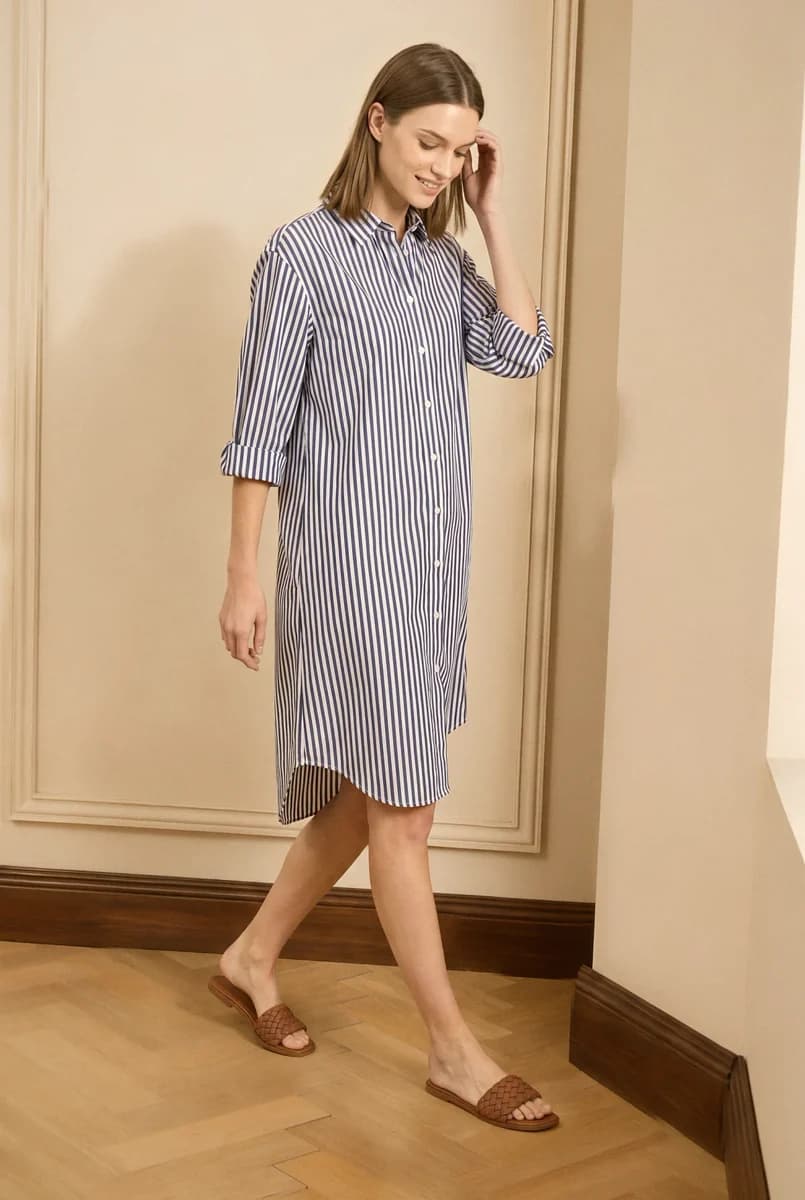
 Outfit
 Pose
Pose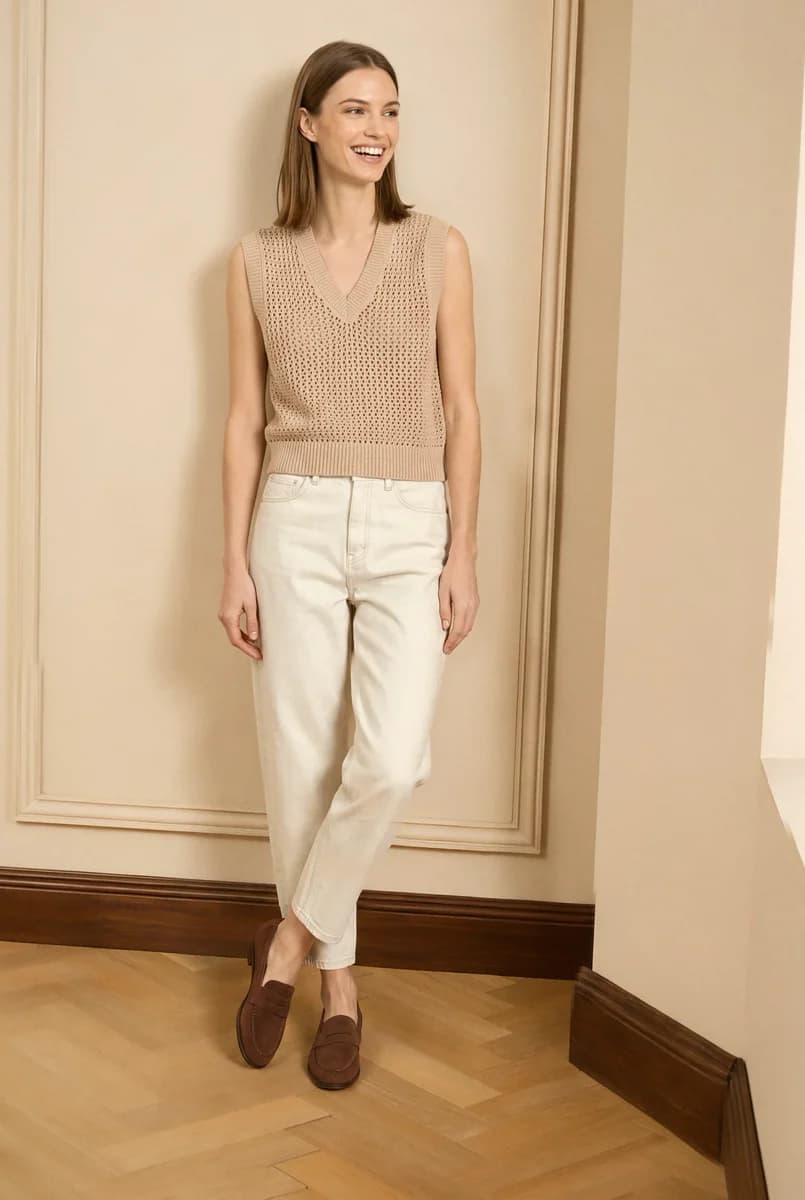
 Outfit
 Pose
PoseAsk for a different head angle and expression in every look. When every look has the same face, the lookbook looks static.
Always reference look 1, not the latest look. If each look is an edit of the one before it, small changes add up.
Repair a face that changes
A new pose or expression can make her face look like a different person. Check each look against the portrait.
In this look, her face changed. Click Reference under the look, attach the portrait from Elements again, and ask Agent to repair only the face.
@generation6 Repair only her face so it matches the portrait: the same face shape, eyes, brows, nose, lips and jawline. Keep her head angle, expression, hair, outfit, pose, the room and light exactly the same.
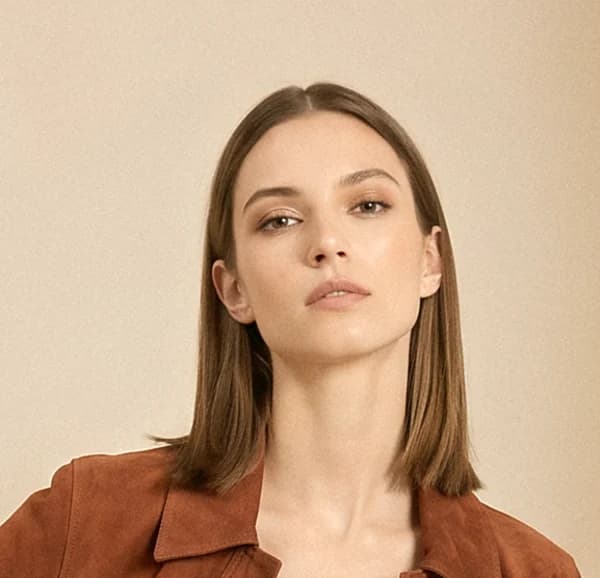
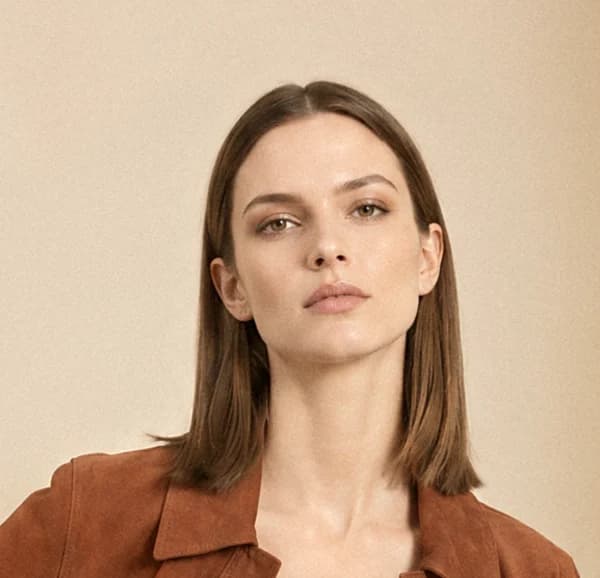
If the face is still different after a repair, name the features that look wrong, such as "narrower face" or "defined cheekbones".
Make a video
Animate one look for stories, reels, or a digital lookbook. Click Reference under the look and describe one small, natural movement.
@generation1 Make a 5 second vertical 9:16 video with a still camera. She takes one slow step forward, turns gently to her left, then faces the camera again with a soft expression. The skirt swings with the movement. Keep her face, outfit, the room and light the same.
Tips
- Keep one room and one light. Use the same background for every look, so the pages read as one shoot.
- Review the looks side by side. Compare faces, colors, and framing before you download.
- Upscale for print. Download your final looks, and upscale them to 4K for a printed lookbook.
Last updated on