Quick Start Guide
Follow these steps to create your first image with Agent.
Create Your Account
Sign up or log in at app.fashn.ai with Google, GitHub, or Apple. New accounts include 10 free app credits.
Open Agent
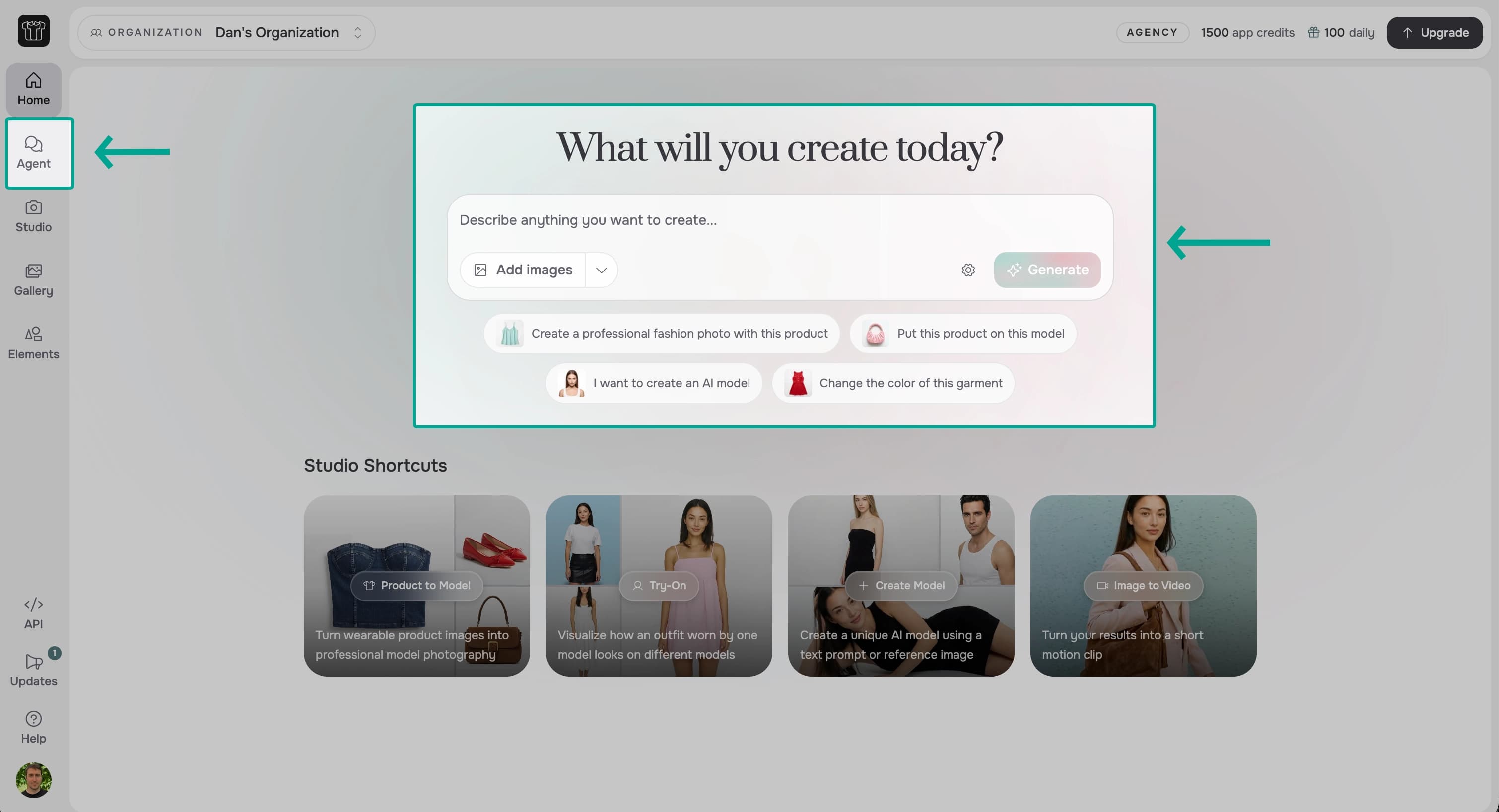
After signing in, you land on Home. Start from the Agent prompt, or select Agent in the app sidebar.
Create Your First Image
Select Add images and choose a product image. Then describe the result you want in plain language.
For example:
Create a full-body catalog photo of a model wearing this jacket against a clean light-gray background.
Select Generate to begin.
Review Your Result
Agent selects the appropriate image process and adds the result to the conversation. The result is also saved to Gallery.
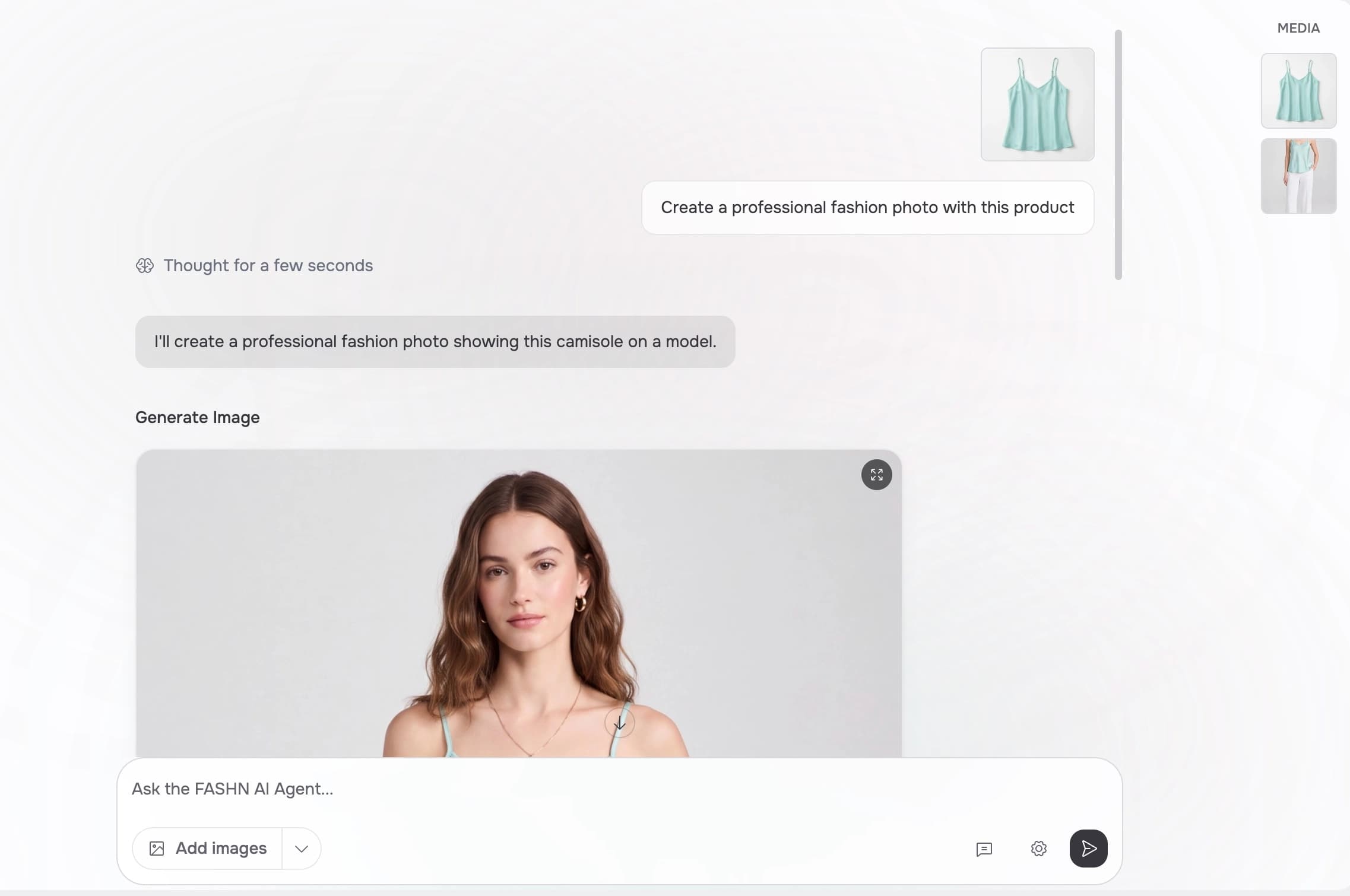
Download the image, continue the conversation with a change, or give Agent a new request.
What's Next?
- Learn more about the Agent and what it can do
- Choose a ready-made visual reference from Elements
- Learn how to reference images from your conversation
- Read Writing Effective Prompts for more guidance
- Compare App Subscription Plans when you need more credits
- Visit Support if you need help