
Create a Fashion Editorial Video
This guide shows you how to make a fashion editorial video in Agent from one photo, two ways: a quick start with one message, or direct it yourself, shot by shot. Every step uses the exact message from the video.
An editorial video builds your brand, because it's about the mood more than the product. It goes on your social media and your homepage banner. To see how editorial fits with product photos and UGC, read 3 Types of Content Every Clothing Brand Needs.
Quick start
What you need
A photo of your product on a model or a mannequin.
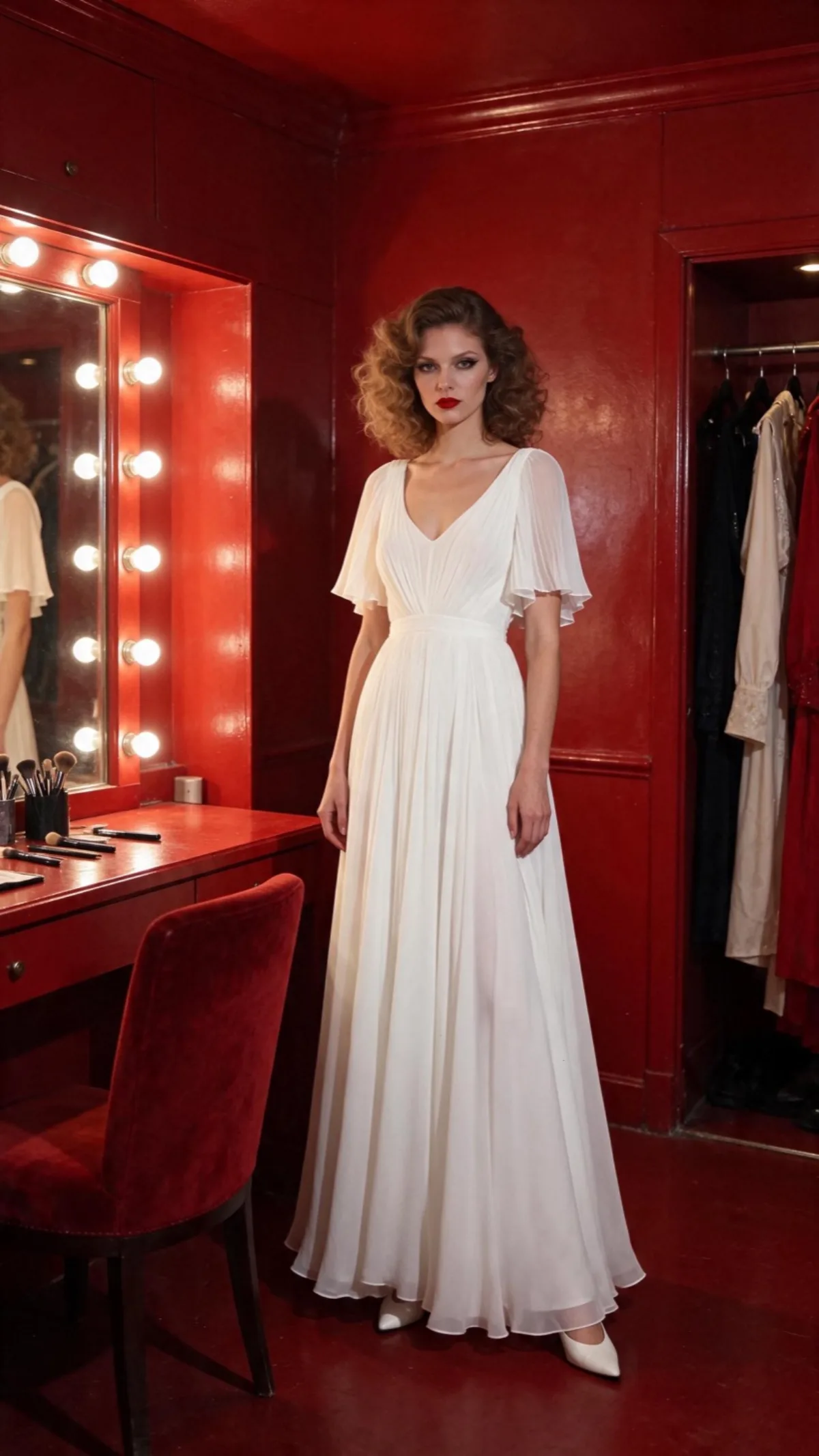
Send the recipe
Open the recipe in Agent. It opens with the recipe already in the message box, so you only attach your photo and send it. To see or change the full message below, click the pencil on the recipe.
New conversation
Turn this photo into a 15 second vertical fashion film in 1080p. If the photo shows only the product, first make one starting photo of a model wearing it in a setting that suits it, and use that starting photo from here on. The model, outfit and setting stay the same as in the starting photo; only the camera angle and the model's action change. First make 5 scenes, each showing the model doing one natural thing in a different spot, not looking at the camera until the last shot:
A wide shot of the model walking (camera slowly pushes in)
A close-up of the product (camera slides sideways)
A medium shot (still camera)
A close-up of the face (camera pushes in)
A final full-length pose, looking straight into the camera (camera pulls back)
Then make one video from them in that order. Add music that fits the mood.
First, Agent makes five different scenes from your photo on its own, each a new shot of the same model in the same place.
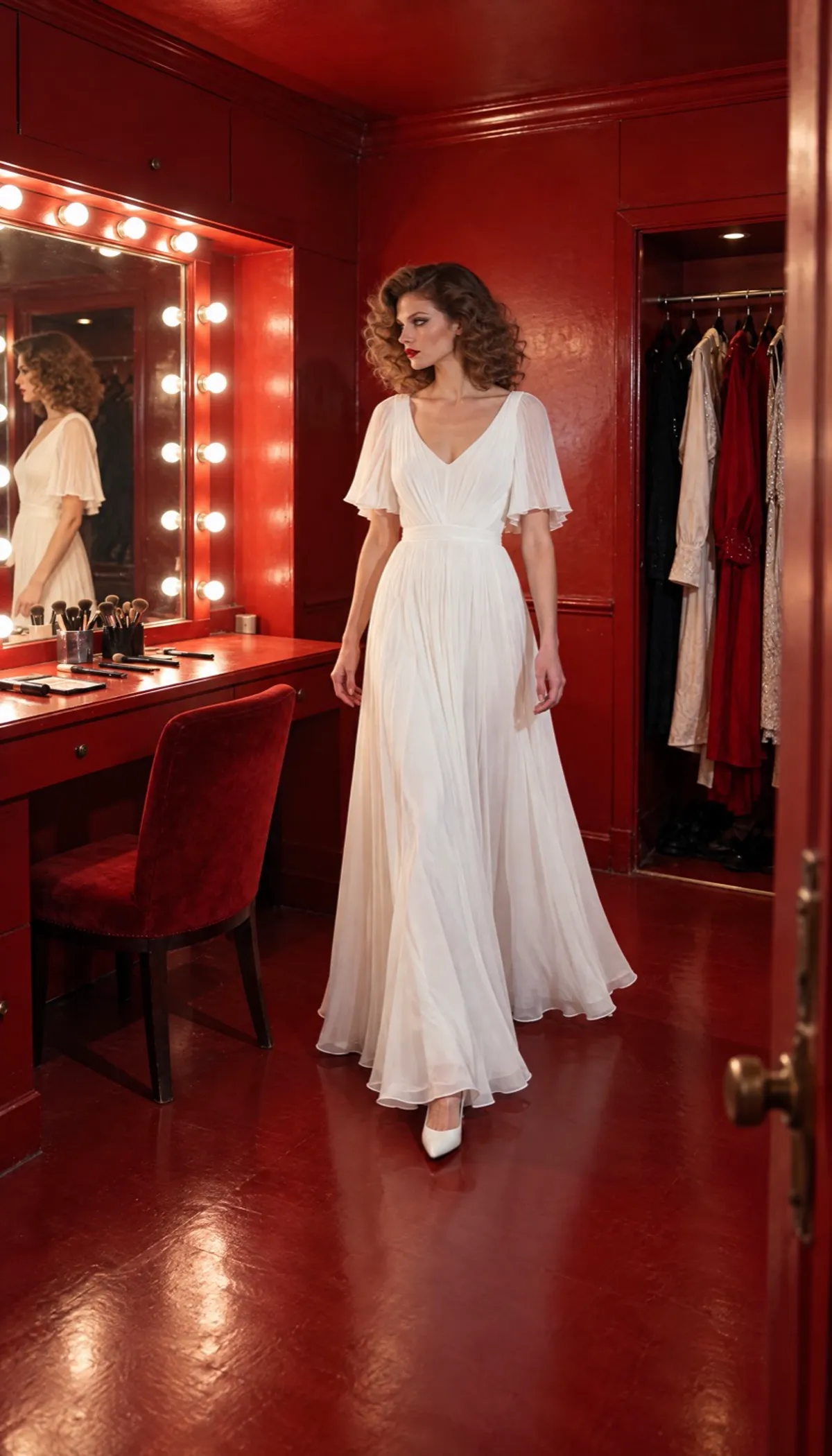
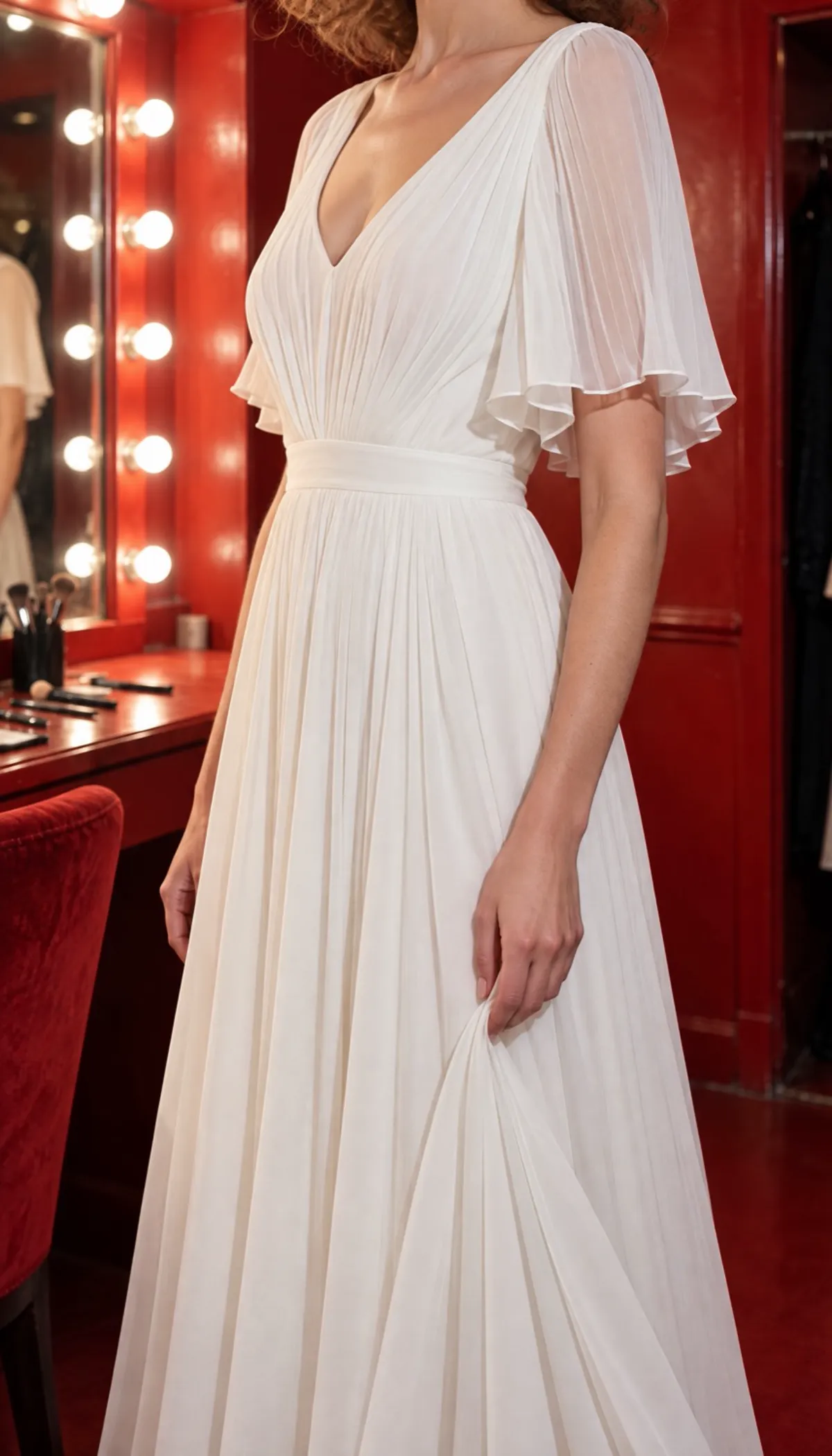
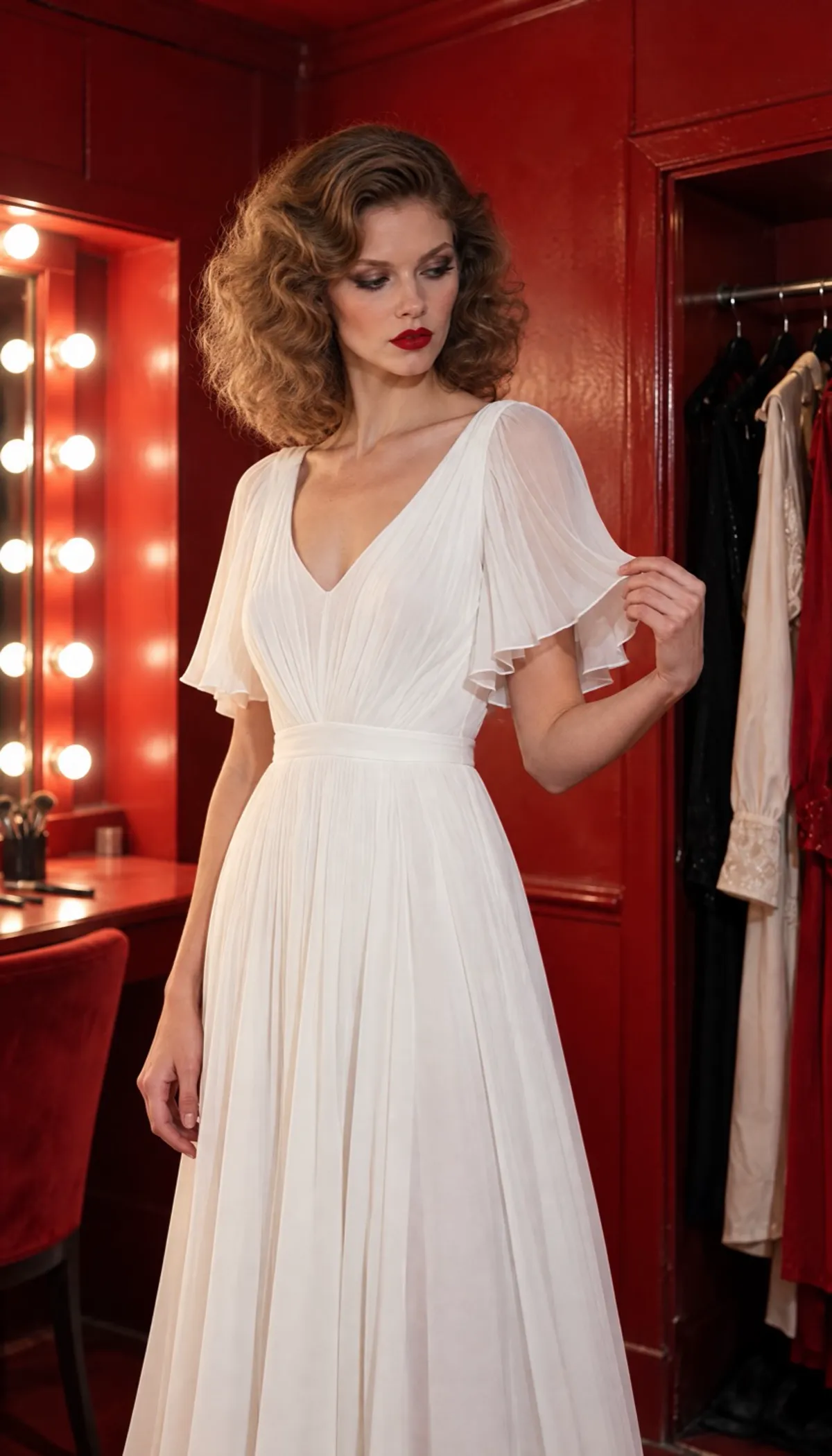
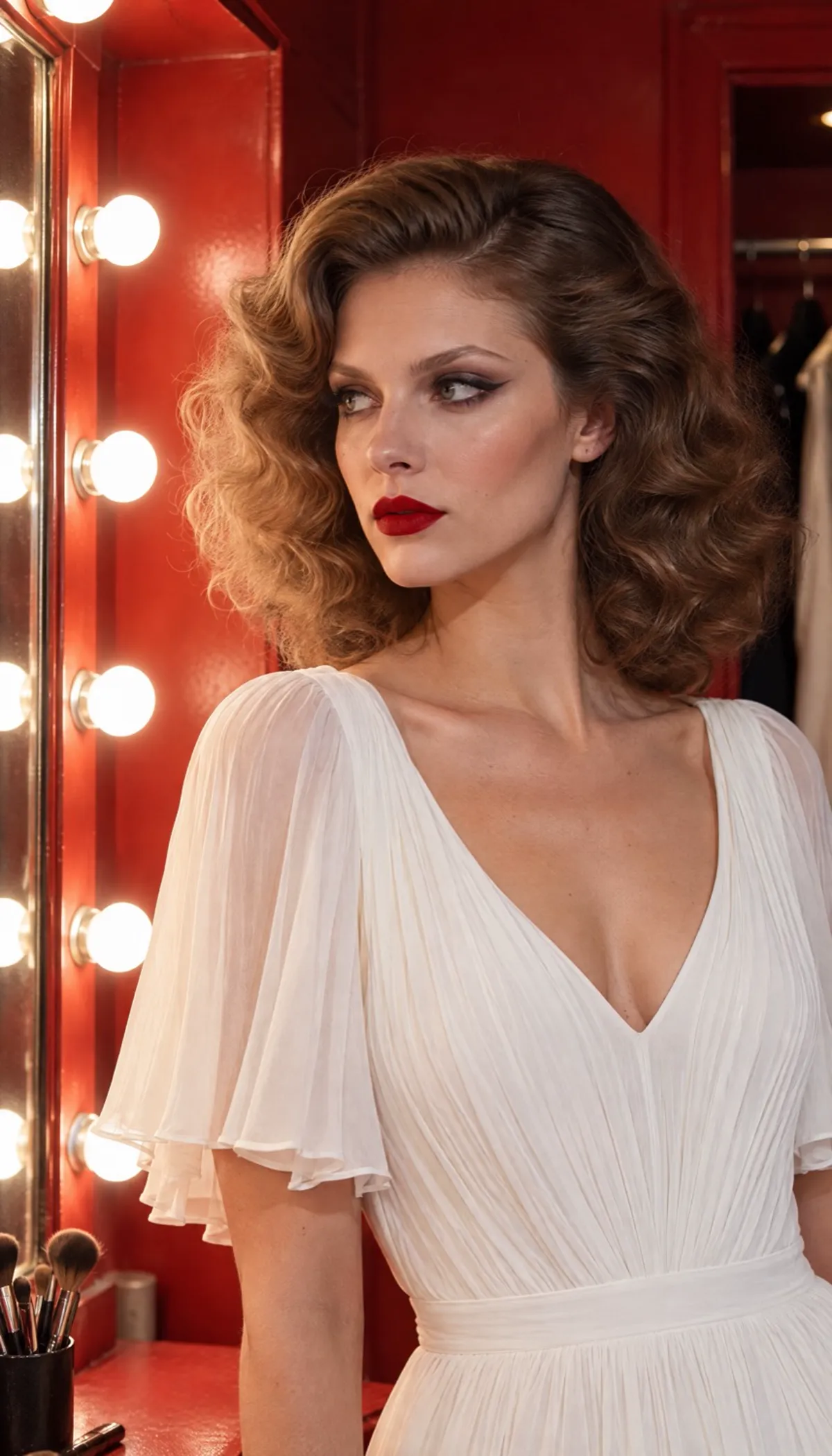
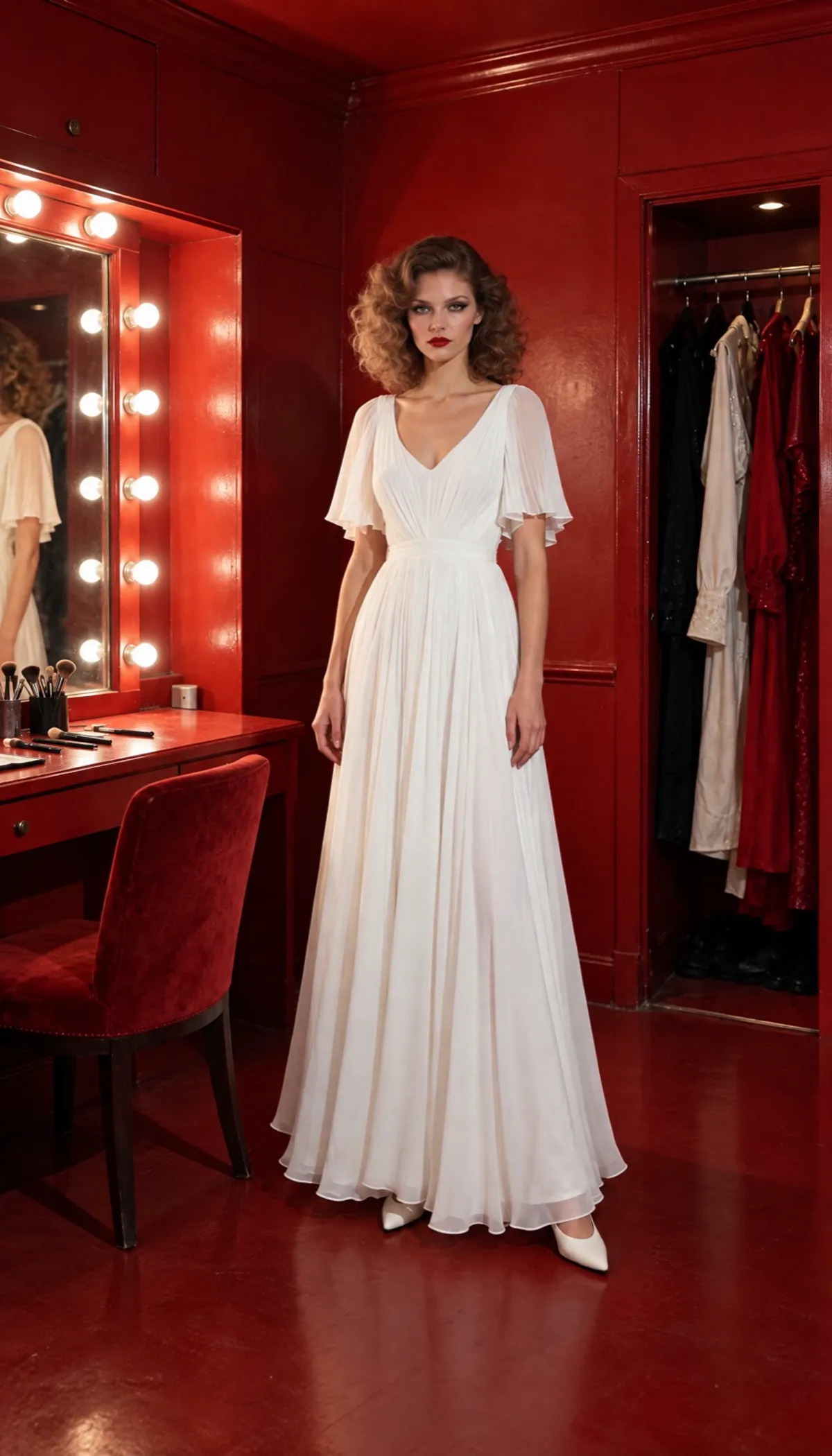
Then it puts the five scenes together into one 15 second video, with a camera move on each shot and music that fits the mood.
Direct it yourself
To control every shot, make the video in three steps: a starting photo, the scenes, then the video.
Step 1: Make a starting photo
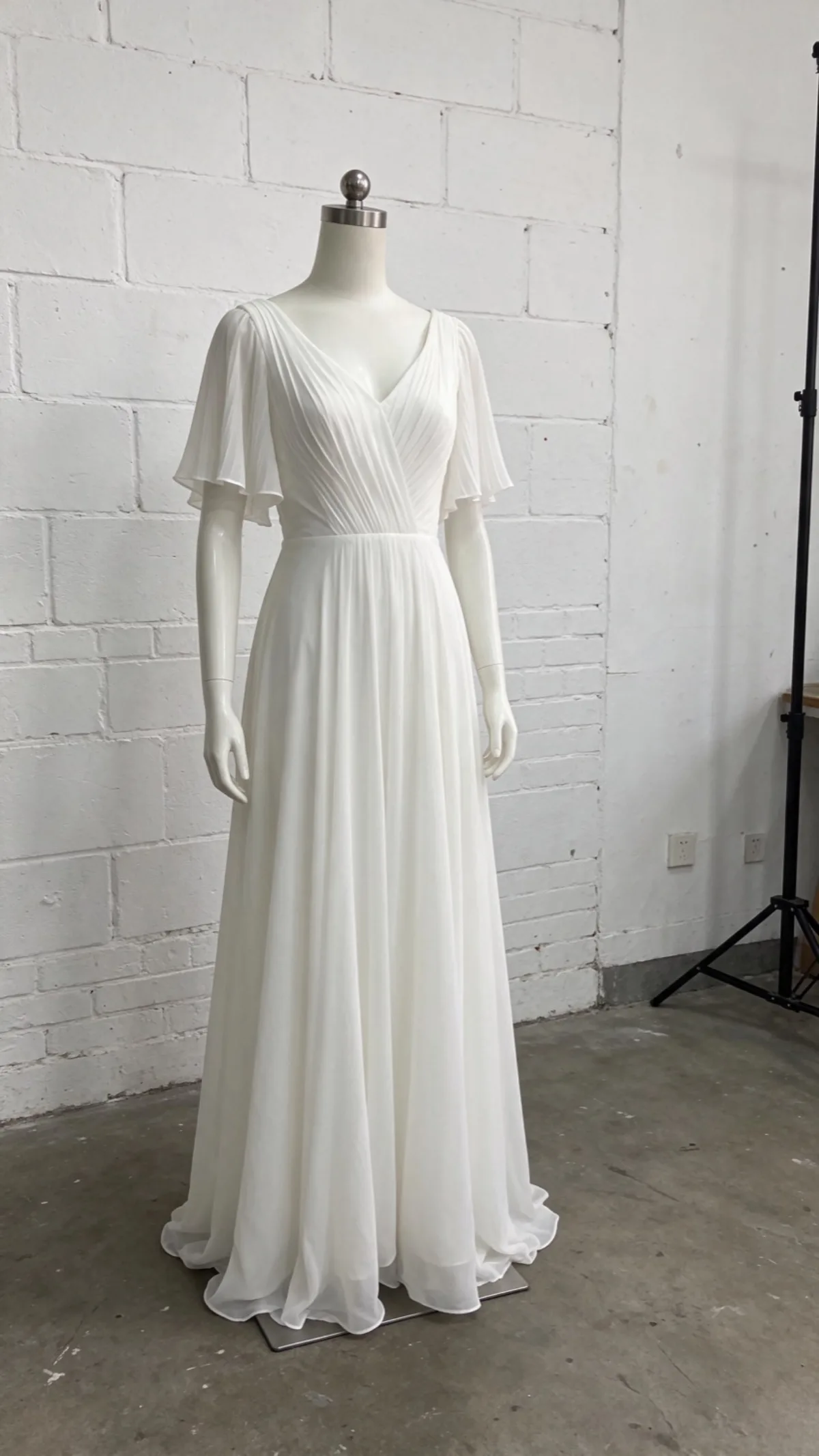
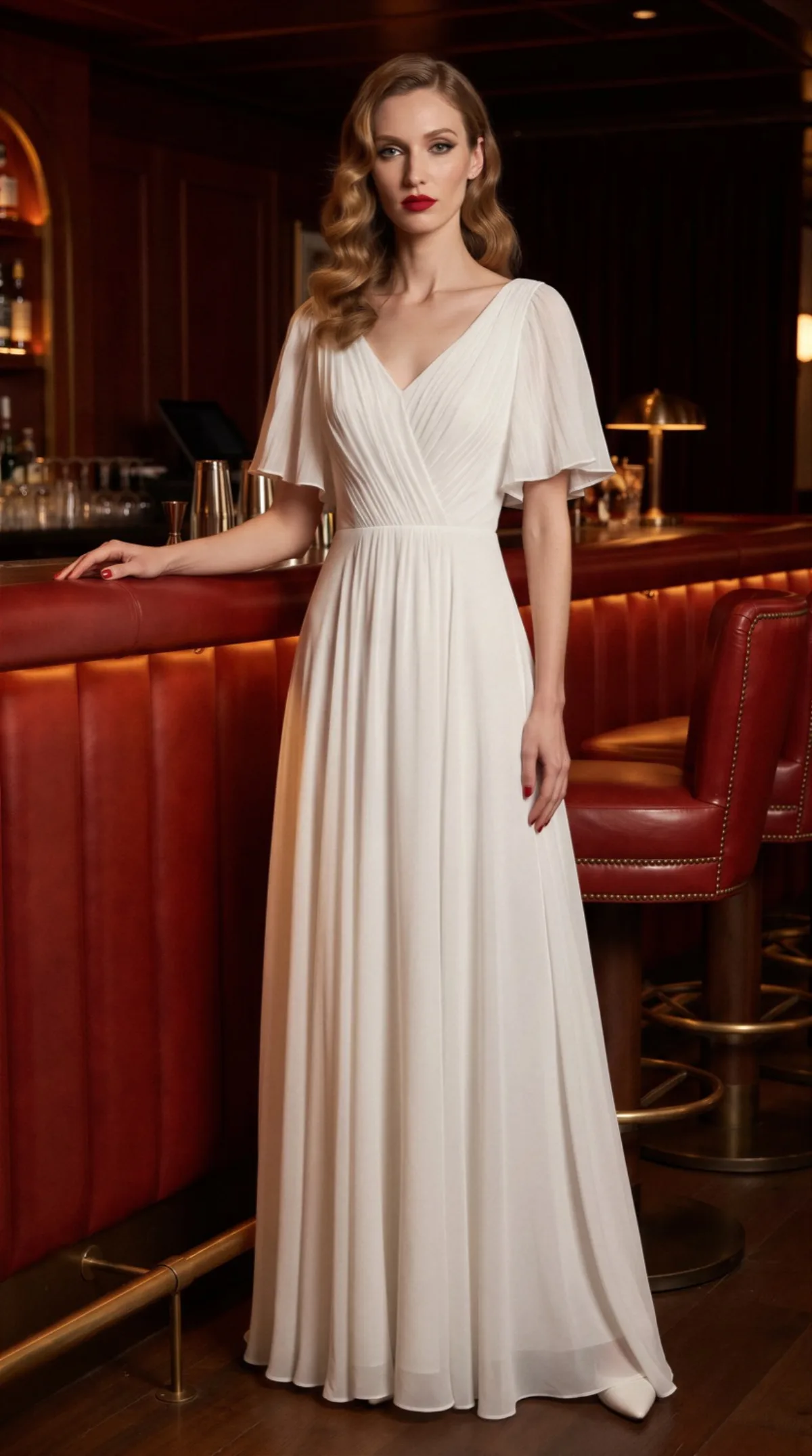
Every scene comes from your starting photo, so this is where you decide who she is, where she is, and what the light is. Attach the front of your product and describe all three.
New conversation
Put this dress on an editorial model, tall, very slim and long limbed with a narrow face, big set curls brushed out into soft glossy waves with a side part, a smoky winged eye, matte red lips and red nail polish, real skin texture, facing the camera, standing at a red leather hotel bar, white heels, dim bar light with true colours and soft natural shadows, full body.
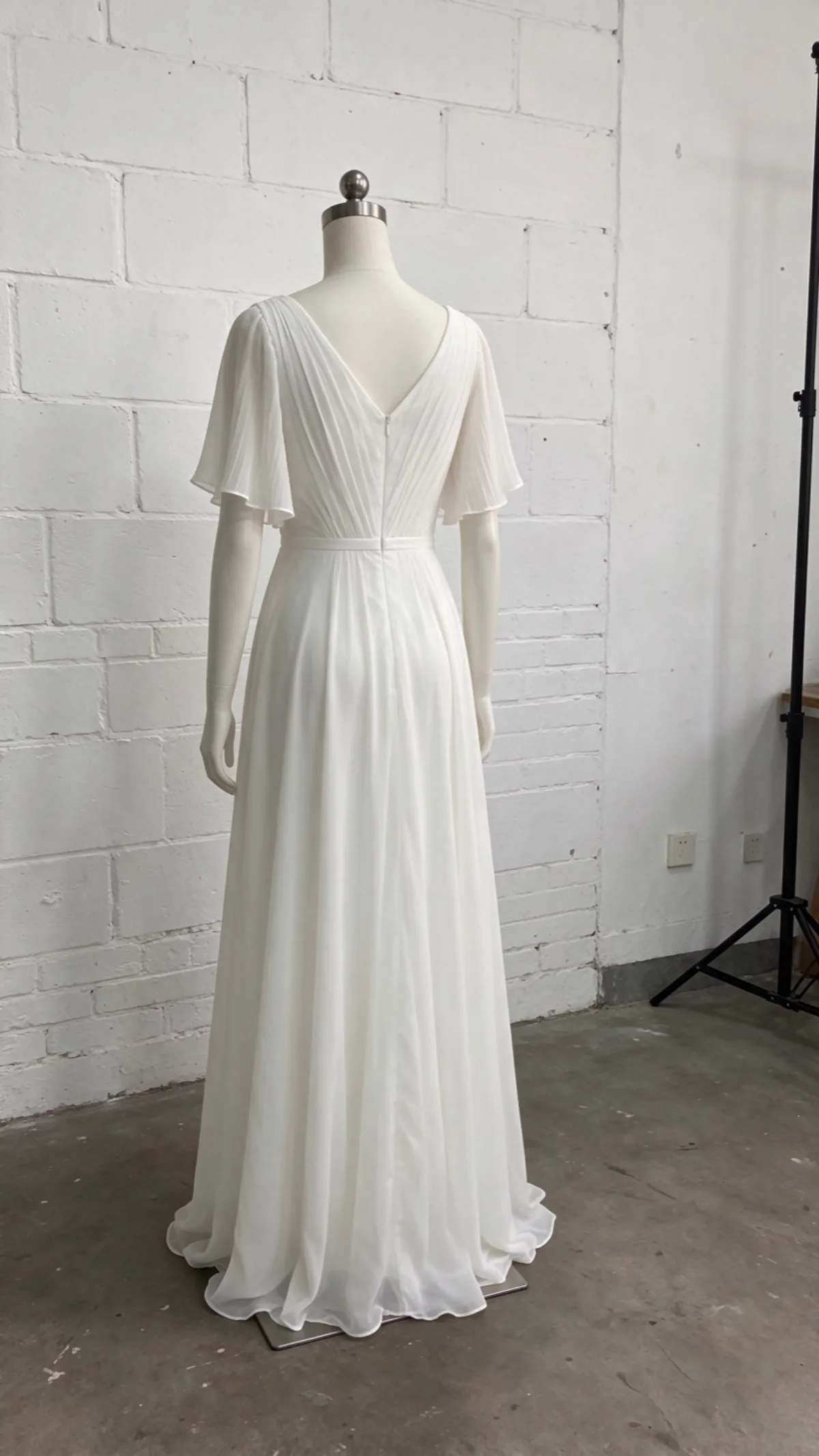
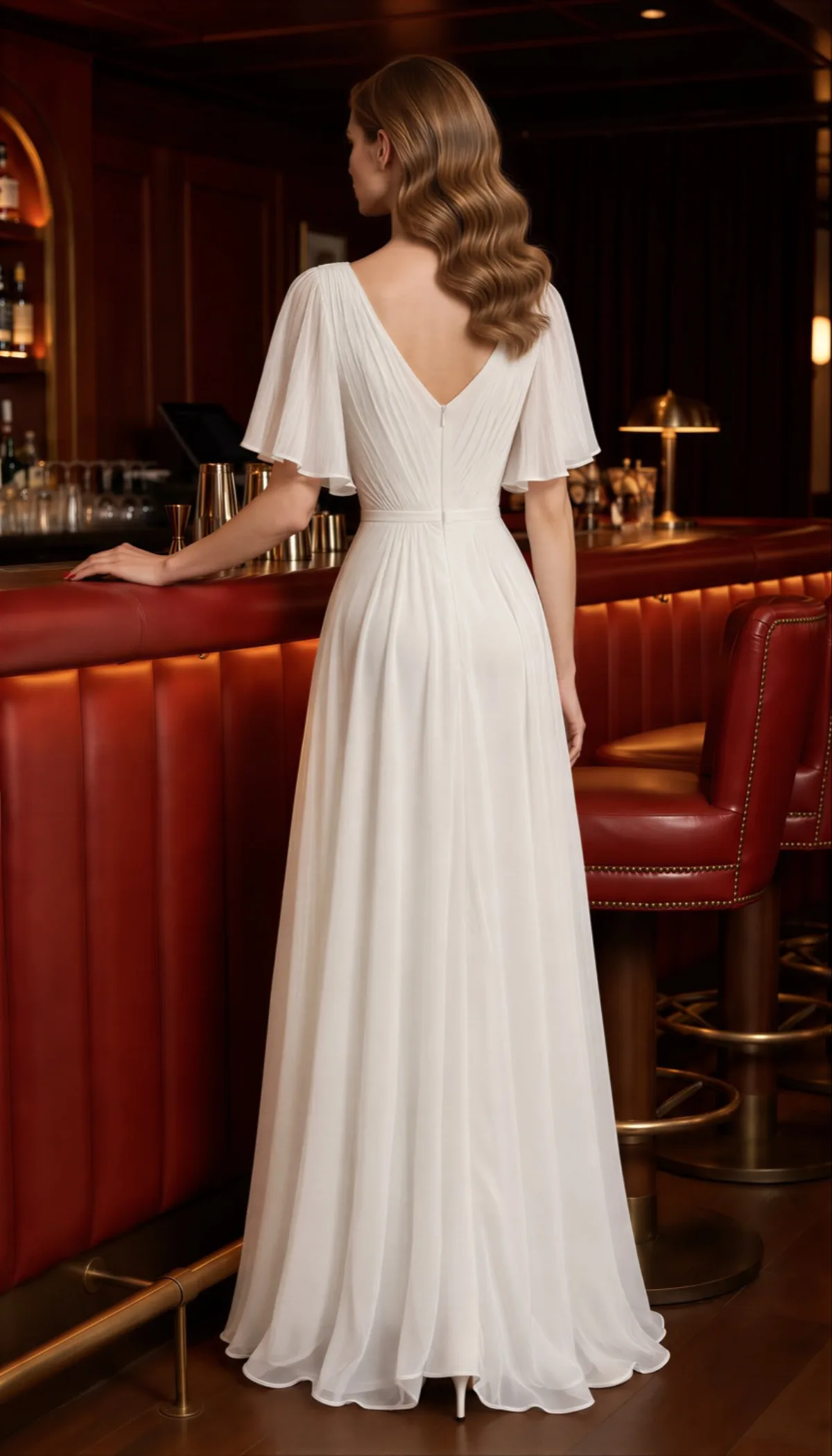
Then make a back image, so the shots from behind match your product. Attach the starting photo and the back of your product.
New conversation
Show the same model from behind at the same bar, standing in the same spot, wearing the dress exactly as the back shown in the second photo, white heels, full body.
Step 2: Make the scenes
Attach both starting photos to every scene so the model, the dress, the place and the light stay the same. Then say where the camera is and what she's doing.
A still photo: a vertical wide shot from behind the bar, the camera low at the bartender's spot looking out across the bar top at her. Bottles and a cocktail shaker stand soft and out of focus in the near foreground along the left edge of the frame. She sits on a red leather stool at the far end of the bar, seen from the front at a three-quarter angle, small in the frame, with the dim lounge, leather armchairs and table lamps behind her. Same model and dress as these photos, in the same red leather hotel bar, dim bar light with true colours and soft natural shadows, cinematic.
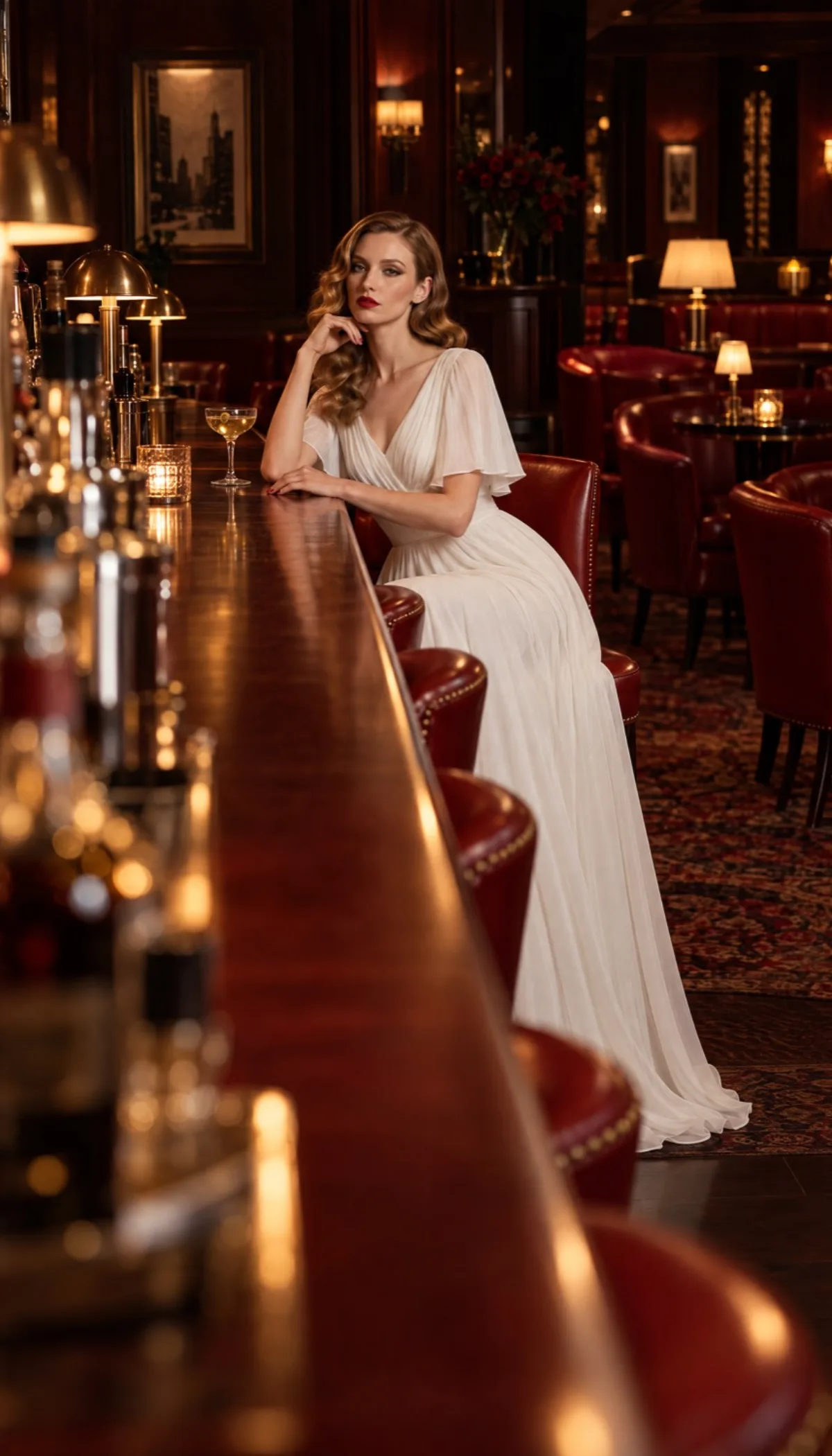
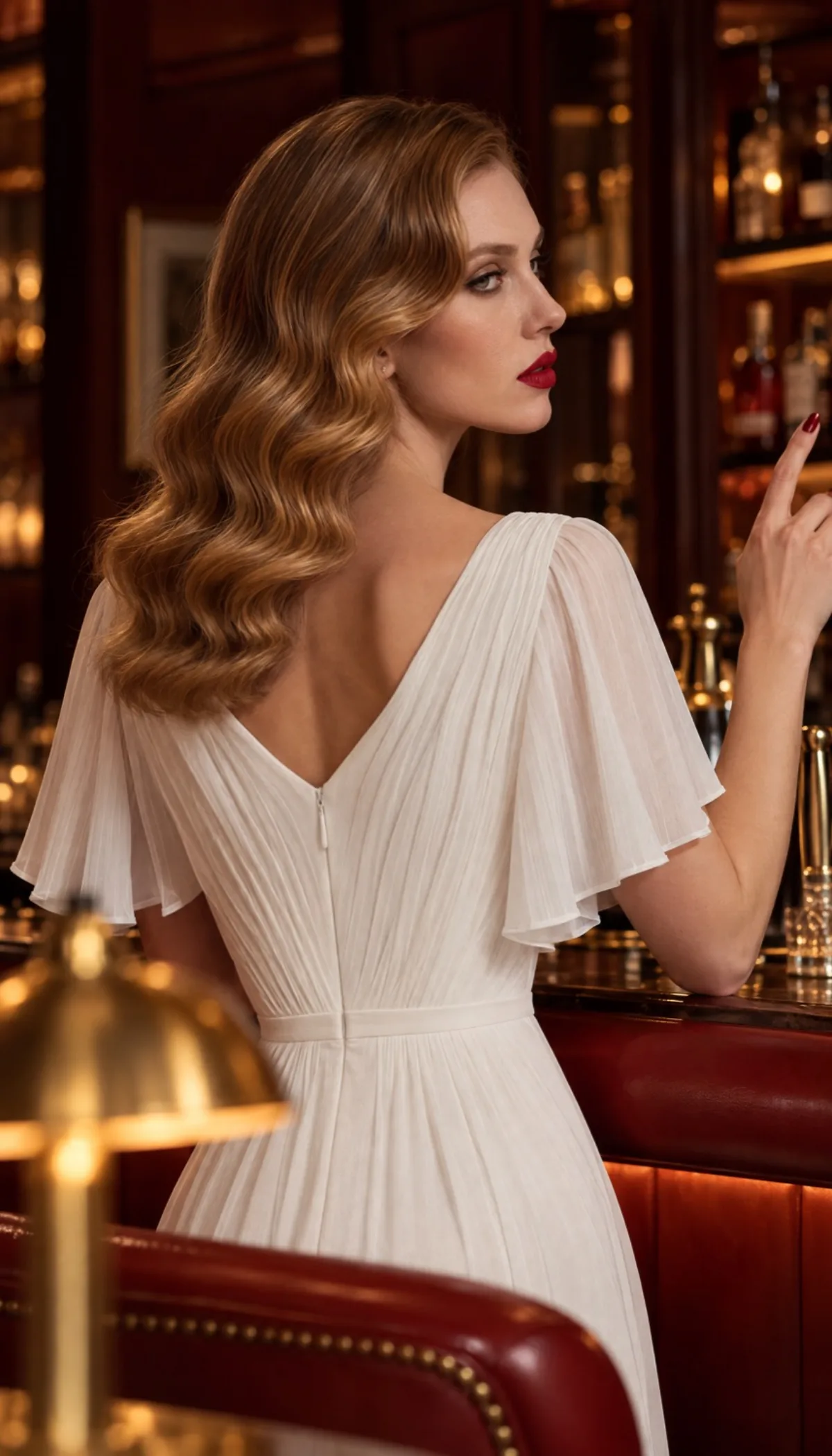
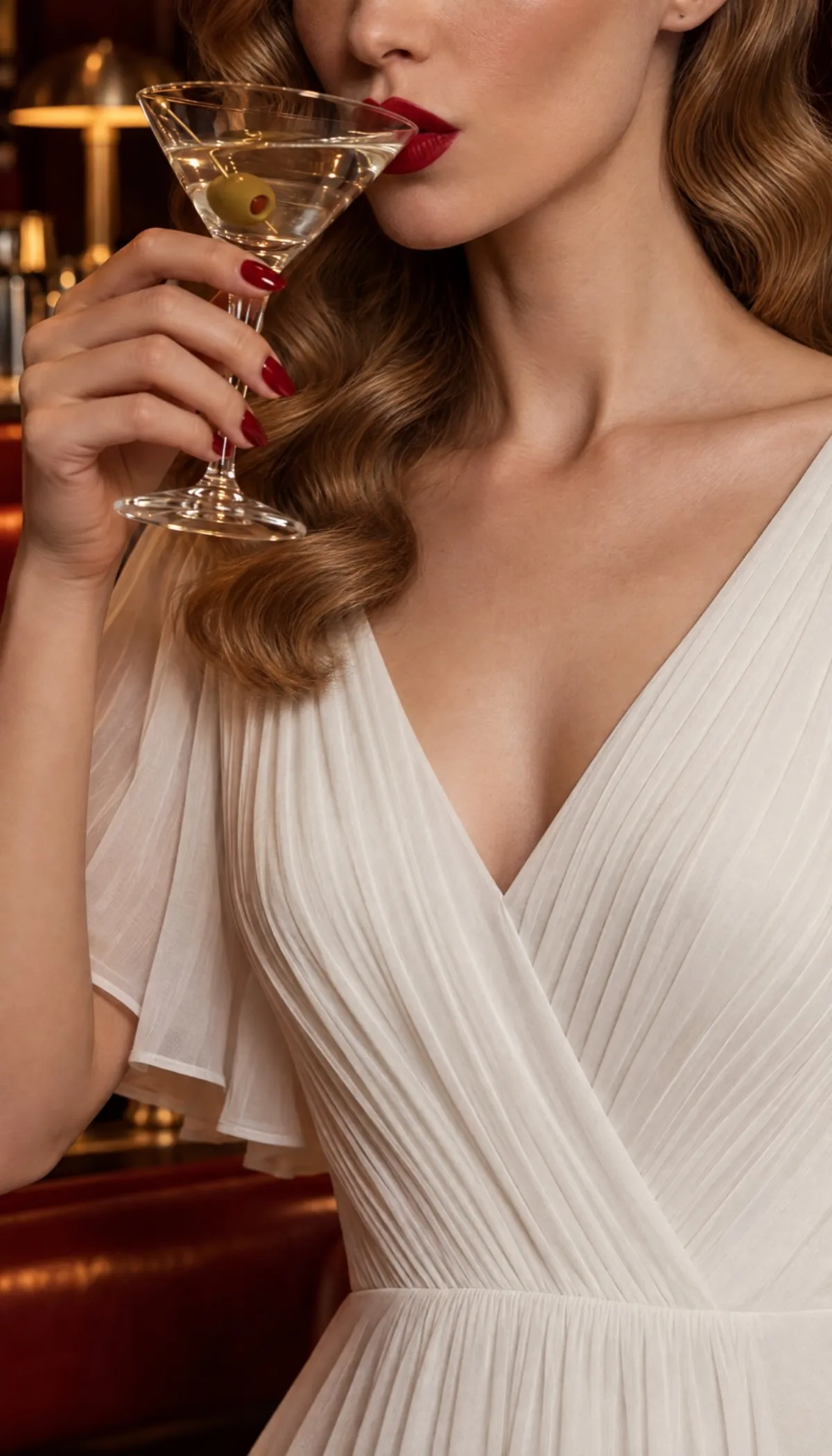
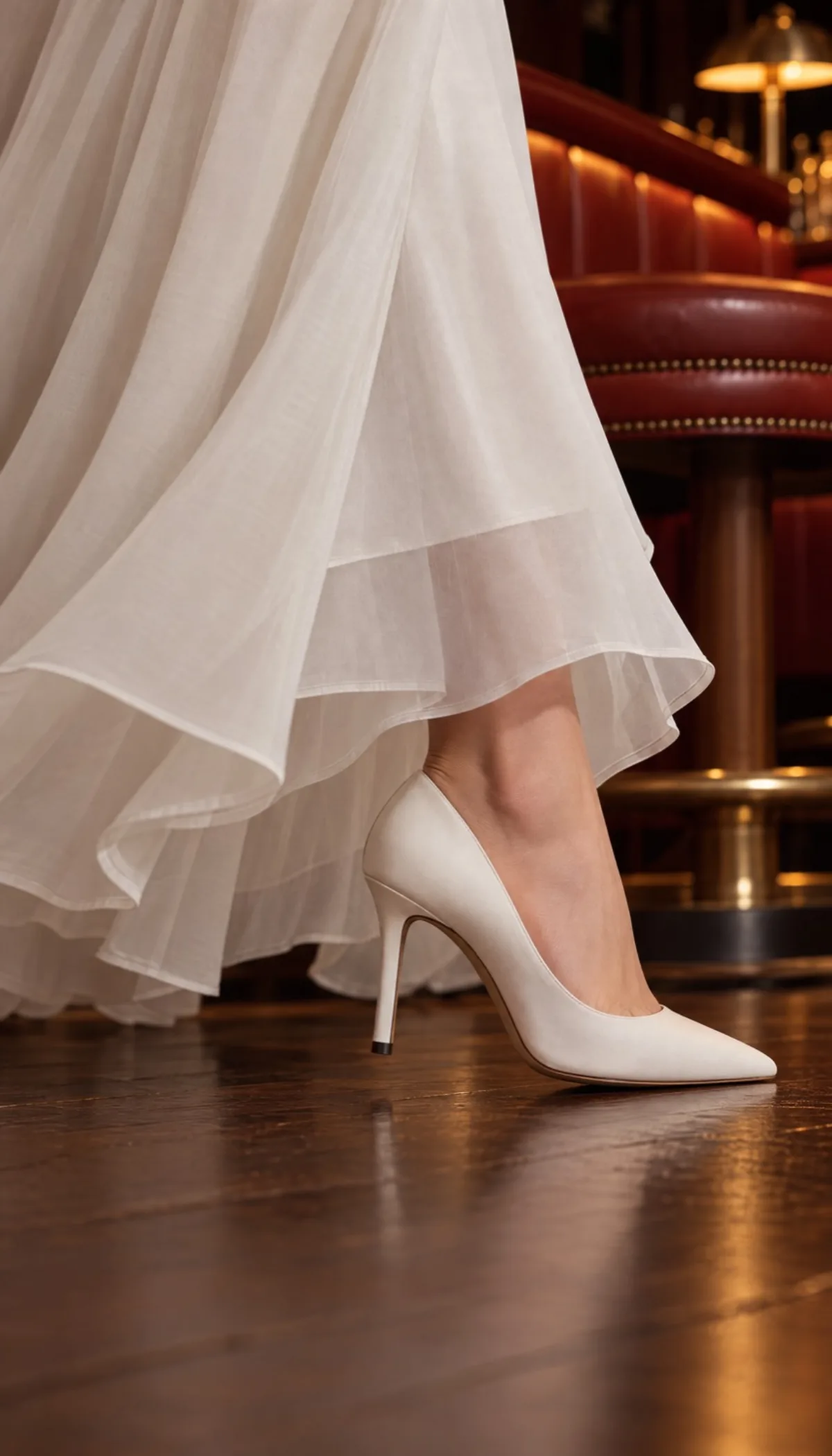
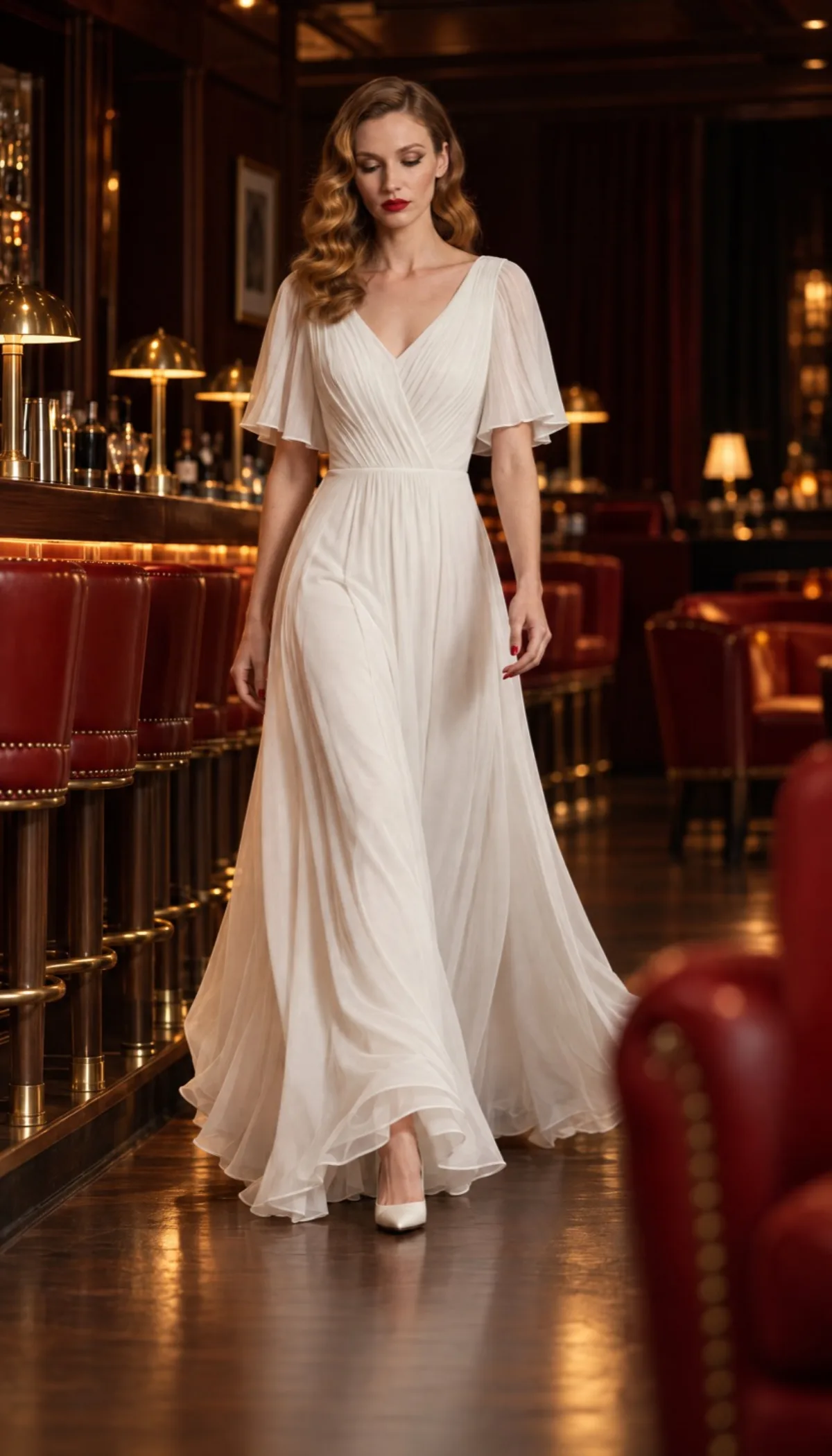
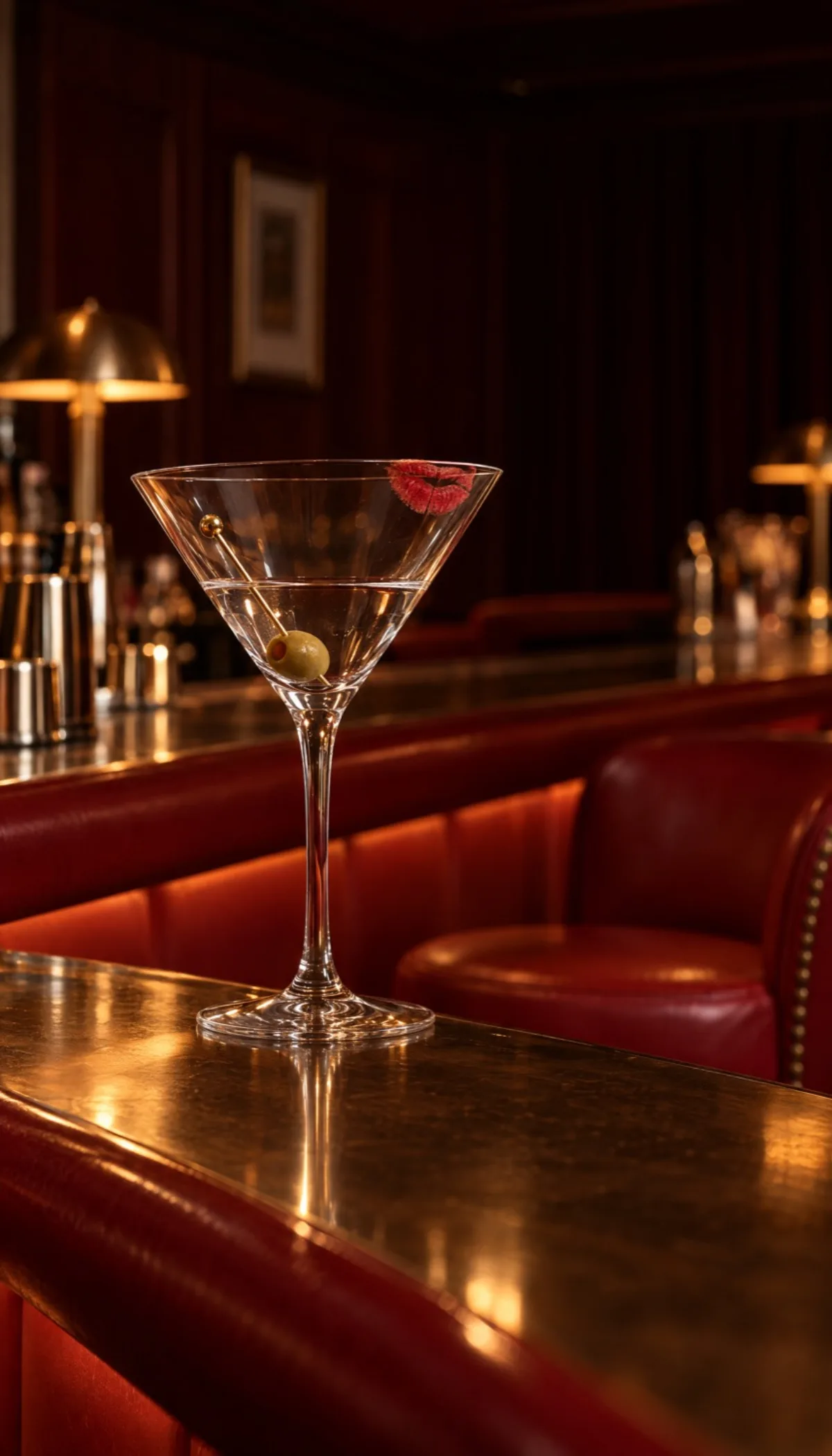
Then make the other shots the same way. Mix wide, medium and close-up shots, each from a different angle, and never put two similar shots in a row. Give it a story: this one ends on her empty glass.
Step 3: Make the video
In a new conversation, attach your scenes in order. Then write what happens in each shot and how the camera moves, her lines, and the music.
New conversation
Shot 1: she sits at the bar, slowly turns her head away from the camera and runs one red nail along the rim of her glass (camera slowly pushes in)
Shot 2: she silently signals the bartender with one raised finger (still camera)
Shot 3: an extreme close-up of her red lips sipping the martini, the top edge of the frame across her nose; then the camera tilts slowly down to the pleated bodice and flutter sleeves
Shot 4: from the knees down, she walks across the wood floor with long, confident strides at natural real time speed, her white heels clicking (camera tracks sideways with her)
Shot 5: she walks toward the camera with long, confident strides at natural real time speed, her eyes on something past the camera (camera moves backward at her pace)
Shot 6: her martini glass left on the bar (still camera)
Voiceover: her low, unhurried voice with a refined upper-class English accent, like a London aristocrat. On shot 1: "In a room full of red, wear white." On shot 3: "Let the dress do the talking." On shot 5: "Say nothing," On shot 6: "and never stay for the second drink."
Music: mysterious noir jazz with brushed drums and a slow upright bass.
Agent animates each scene with the action and camera move you wrote, then cuts the scenes together in the order you attached them. It adds her voiceover on the shots you chose and lays the music underneath, so you get one finished video.
What to remember
- Quick start: one photo and the recipe make the whole video.
- Starting photo: decide who she is, where she is and the light, then make a back image to match.
- Scenes: attach both starting photos to every scene and say where the camera is and what she's doing.
- Mix your shots: use wide, medium and close-up shots, never two similar ones in a row.
- Video: write what happens in each shot, then her lines and the music.
- Story: give it an ending people remember.
Keep going
- Learn every way to make a video in Create videos.
- Make product photos, UGC and editorial from one product with 3 Types of Content Every Clothing Brand Needs.
- Turn mannequin photos into a whole photo shoot with Mannequin to Photo Shoot.
Last updated on